Demand planning software is a category where the marketing materials look almost identical across vendors. Every product claims AI, fast deployment, and dramatic accuracy improvement. This guide is the inside view of what actually differentiates products, what to test in a proof-of-concept, and where buyers most often regret their decision twelve months in.
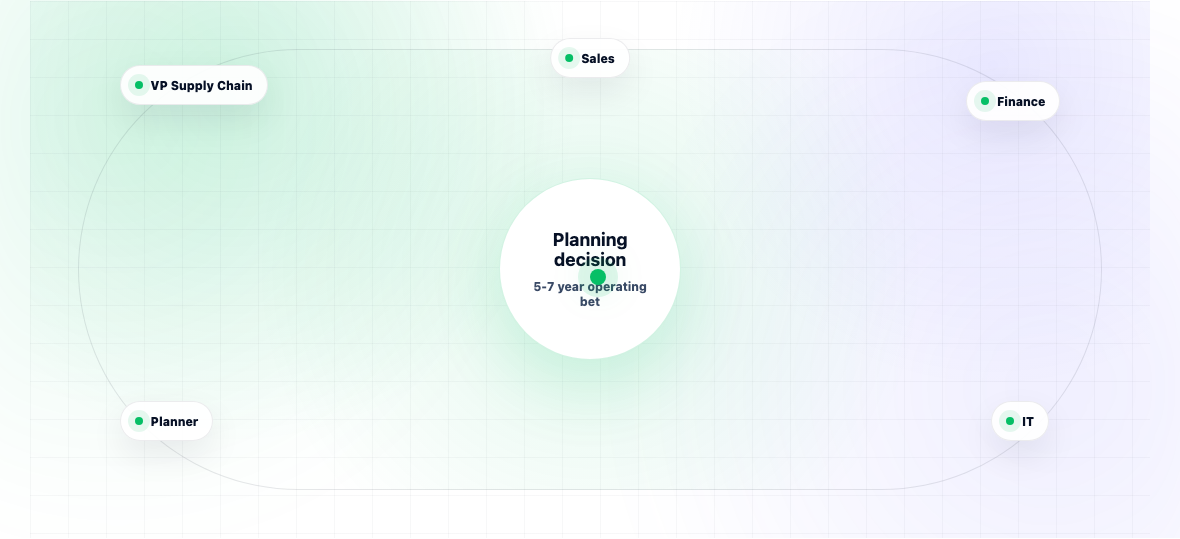
It's written for the buying committee at a mid-market or enterprise manufacturer typically a VP of Supply Chain or Head of Planning, the finance partner who has to sign the budget, and an IT leader who has to integrate it. The guide does not name competitors page-by-page (the category moves fast and rankings shift), but it covers the eight capabilities that matter, the four red flags to watch for, the typical TCO breakdown, and the questions to ask in a vendor demo.
You'll come out of this guide with a structured evaluation framework, not a recommendation. The right product depends on company size, complexity, ERP environment, and team maturity.
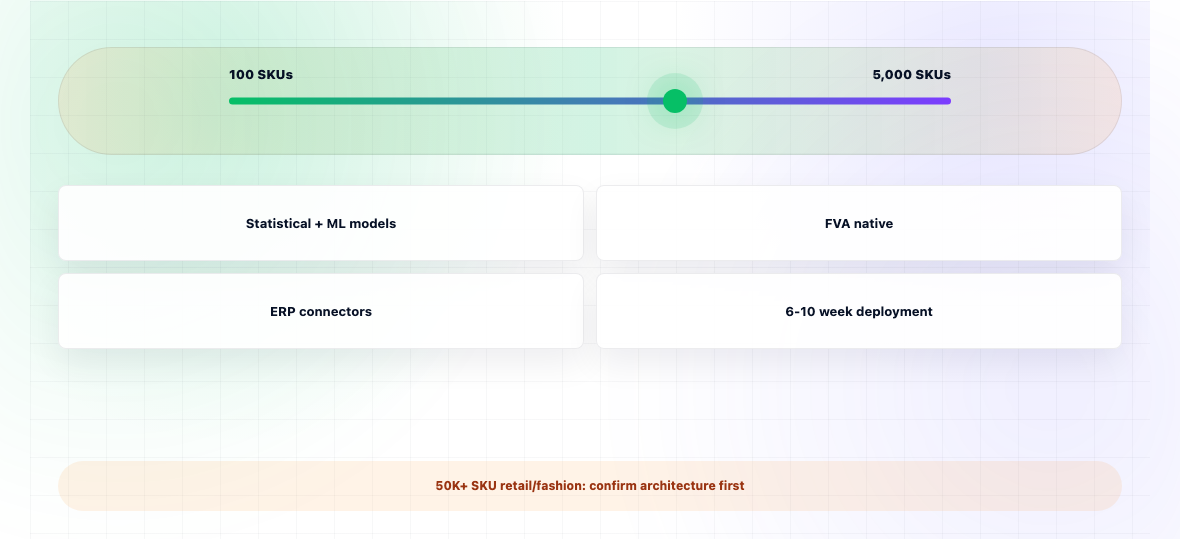
Horizon is built for mid-market and enterprise manufacturers that want enterprise-grade forecasting without an 18-month deployment. The forecasting engine includes statistical methods (exponential smoothing variants, ARIMA, Croston) and ML (gradient-boosted trees) with automatic per-SKU model selection. FVA is native to the product, not a separate report.
Typical deployments run 6-10 weeks from contract to live forecasts, with one Horizon implementation lead and one customer-side data owner. Integrations to SAP, Oracle NetSuite, Microsoft Dynamics 365, and Infor are pre-built. No partner-consulting requirement.
The honest gap: Horizon is best suited to manufacturers with 100-5,000 active SKUs. Companies running 50,000+ SKUs in fashion or retail typically need a different architectural fit. We'll tell you that in the first call rather than the third.
The standard offer for evaluation is a paid pilot with defined accuracy and adoption success criteria, agreed up front.
Demand planning software is sticky. Once deployed, it touches the daily work of the planning team, the data flowing into procurement and production, and the reporting reaching finance. Switching costs are real typical replatforming projects run 6-12 months and cost 1.5-2x the original implementation. The decision made in a 90-day evaluation cycle will likely run the business for 5-7 years.
The other reason stakes are high: most buyers underestimate how much of the value depends on adoption rather than features. The vendor with the slickest demo often loses to the one whose planners can actually use the tool daily without IT help. This is invisible during a sales cycle and obvious within six months of go-live.
This guide weights the practical, post-purchase factors heavily, because that's where buyer regret usually comes from.
Ask: which statistical methods are included (ARIMA, exponential smoothing, Croston for intermittent demand)? Is there ML, and which algorithms (gradient boosting, neural nets)? Does the system automatically select the best model per SKU, or does the planner have to choose? Test with your own data vendor benchmarks are useless because they're run on clean datasets.
Real demand planning happens at multiple levels SKU, brand, customer, channel, region. Can the tool forecast at one level and reconcile to another? Can it handle top-down overrides (force the total to match budget) and bottom-up rollups in the same view? This is where many tools quietly fail.
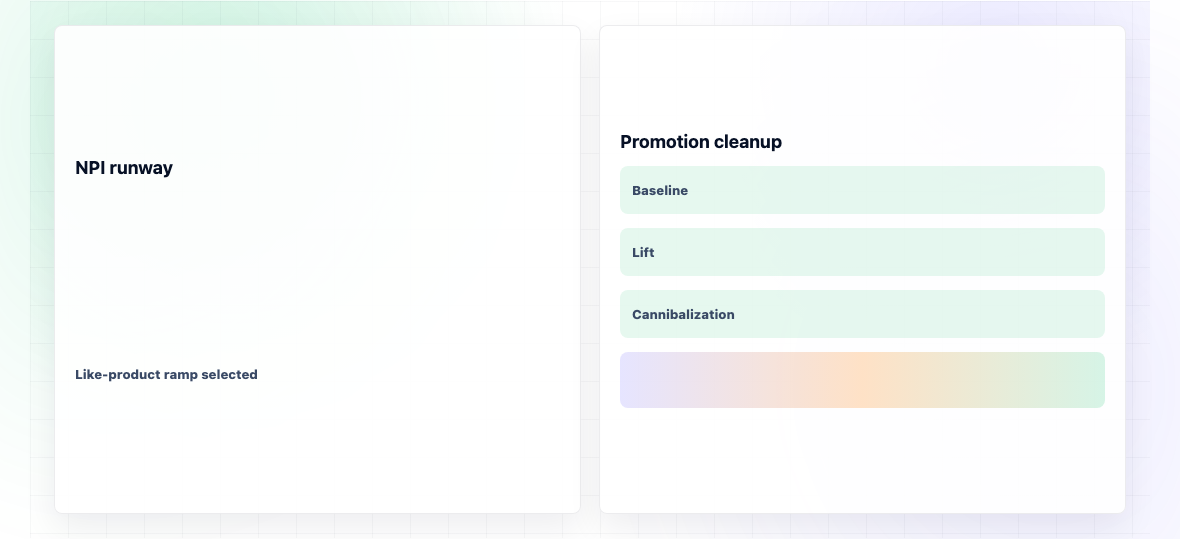
NPI is where statistical methods fail completely there's no history. How does the tool handle launches? Look for: like-product modelling, ramp curves, phase-in/phase-out, and the ability to flag NPI SKUs so they're not measured against the same accuracy targets as established products.
If the business runs promotions, the tool must separate baseline demand from promotional lift, model promotion-on-promotion cannibalisation, and let the planner adjust for upcoming events. Tools that treat promotion as just another variable in the model usually produce noisy forecasts.
Can sales, marketing, and product teams contribute overlays through a clean interface or does everything happen in spreadsheets that planning then re-keys? Are overlays tracked by owner and reason so FVA can be calculated later?
FVA shows whether each step (statistical → overlay → consensus) improves accuracy or destroys it. Mature tools include FVA reporting natively. If a vendor doesn't know what FVA is, that's diagnostic.
What does the integration with your ERP actually look like? Pre-built connectors for SAP, Oracle, NetSuite, D365, Infor? Or custom development for each? How long do typical integrations take? Get reference implementations from companies on your specific ERP.
Some products genuinely deploy in 6-10 weeks with cloud-based onboarding. Others claim that but actually require 6+ months of consulting. Test by asking for a paid pilot with defined success criteria a vendor confident in fast deployment will accept; one that isn't will push for a longer "discovery" phase.
Every vendor claims AI. Ask which algorithms, what they predict, what training data was used, and how often models retrain. A vendor that can't answer these specifically is using "AI" as a marketing label.
If a vendor's named references are all in different verticals from yours, the product may not handle your industry's specific dynamics (seasonality patterns, customer order behaviour, SKU complexity). Ask for 2-3 references in your industry. If they can't produce them, that's information.
The license fee is rarely the largest cost. Data preparation, integration, and change management typically equal 1.5-3x the license cost in year one. If a vendor's TCO model doesn't include these, the real cost will surprise the finance team.
If a vendor's primary sales channel is via consulting partners, the product may be harder to deploy without those partners than the demo suggests. Ask: what percentage of your customers deployed with internal teams only? If the answer is below 30%, plan for consulting cost.
For a mid-market manufacturer (revenue $200M-$1B):
Three-year TCO is typically 4-6x year-one license cost when these are included honestly.
Horizon's own demand planning deployments run 6-10 weeks with pre-built integrations to SAP, NetSuite, Dynamics, and Infor. Ask any other vendor the same question about theirs.