Almost every demand planning team starts in Excel. Most run into ceilings within 2-5 years that Excel cannot resolve regardless of how skilled the user is. The question isn't whether Excel is "good enough" in some abstract sense it's whether the specific company has crossed the thresholds where dedicated software pays back, and whether the team is spending more time fighting the spreadsheet than fixing the forecast.
This page compares Excel and dedicated demand planning software on the five dimensions that actually matter, then describes the four signals that say it's time to switch. The intent is not to make a sales argument for software it's to help a planning leader decide honestly which side of the threshold their company is on.
Some businesses can run effectively in Excel for years. Others have crossed the threshold and are losing money to it without realising. Both situations exist.
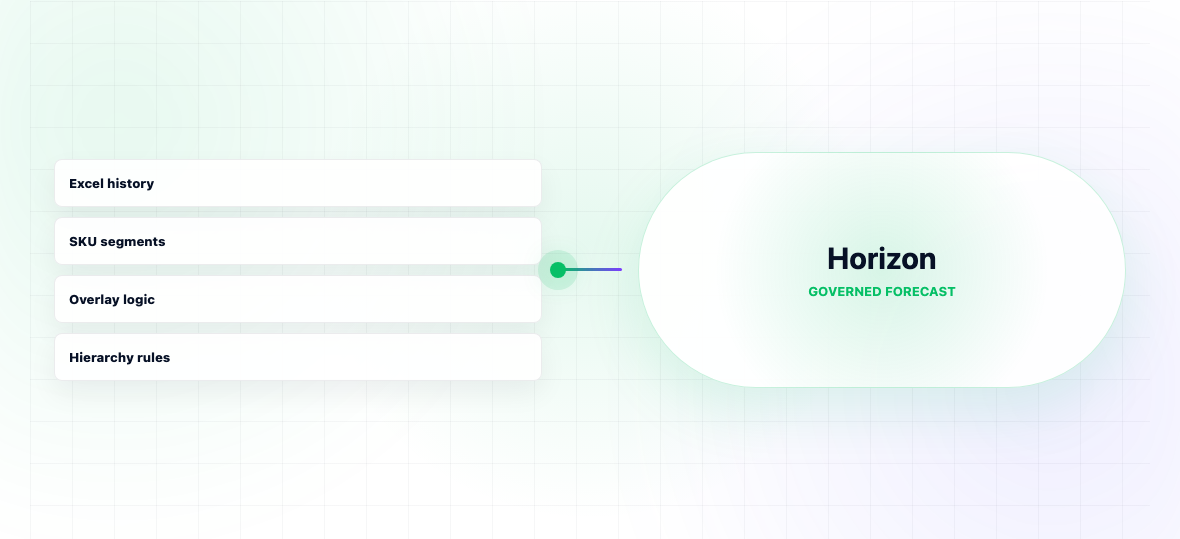
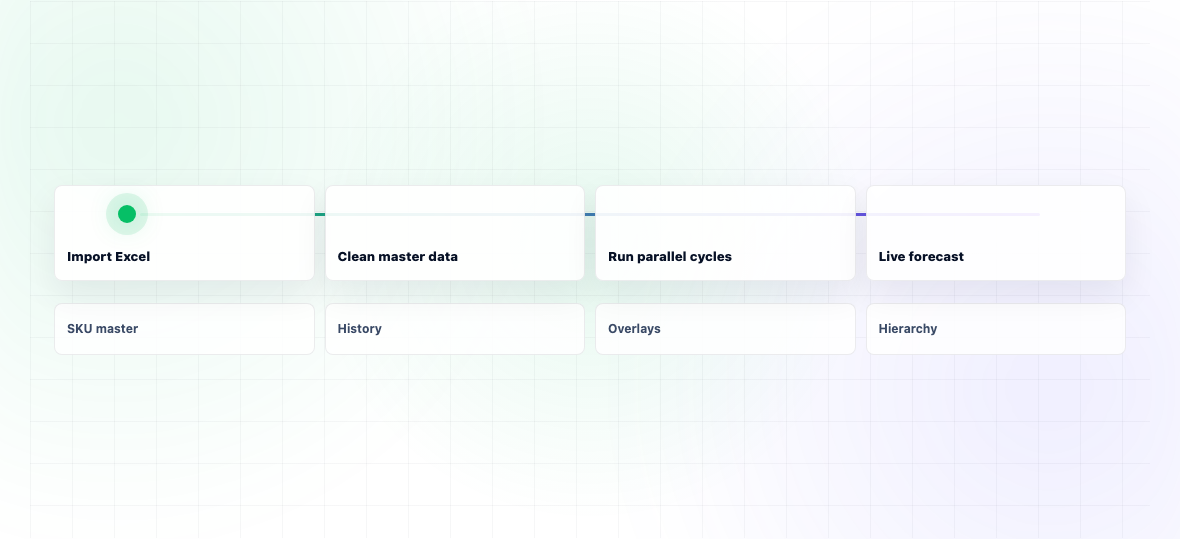
Horizon is built for companies making this exact transition mid-market manufacturers leaving Excel-based demand planning for something that scales. The implementation pattern reflects that reality: import existing forecast structures and master data from Excel, configure SKU segmentation and per-model selection during deployment, run parallel cycles in cycle 1 and 2, fully transition by cycle 3.
The forecasting engine includes the methods Excel can't practically support automated model selection, ML on volatile SKUs, structured overlay capture, native FVA reporting, exception-based review. Hierarchy and reconciliation are native rather than manual.
Typical timeline: 6-10 weeks from contract to first live forecast cycle. The pre-built integrations for SAP, Oracle NetSuite, D365, and Infor mean ERP data flows automatically rather than requiring weekly CSV exports.
For companies still genuinely below the threshold under 500 SKUs, planning team of one, demand patterns stable enough that Excel is working we'll say so honestly in the first call rather than pushing a migration that won't pay back.
The visible cost of staying in Excel is forecast accuracy. The hidden costs are usually larger.
The first hidden cost is planner time. A skilled planner running an Excel-based demand planning process for 1,500 SKUs typically spends 5-8 full working days per month on the forecast cycle generating the statistical baseline, manually adjusting outliers, gathering and applying sales overlays, reconciling to budget, formatting outputs for downstream consumers. The same planner using dedicated software typically spends 2-3 days. Multiply across a planning team and that's 1-2 FTE of recovered capacity per year capacity that's typically reinvested into exception review and improving accuracy further.
The second hidden cost is what doesn't happen. Excel-based planning rarely produces FVA reporting, multi-level hierarchy reconciliation, or systematic exception management. These aren't missing because the planner is unwilling they're missing because Excel can't enforce them at scale. The company doesn't see what it's losing because it's never seen what good looks like.
The third hidden cost is the ceiling on accuracy. Excel-based forecasting in mid-size manufacturers typically caps at 70-75% MAPE regardless of planner skill, because manual processes can't apply automated per-SKU model selection or ML methods across thousands of SKUs. Companies that stay in Excel often misattribute this ceiling to "our demand is hard to forecast" when the real cause is process and tooling.
Excel: Statistical methods limited to what the planner can build and maintain. Typically Holt-Winters with manual seasonality, occasionally ARIMA. No automated per-SKU model selection. No ML.
Dedicated software: Automatic per-SKU model selection from a candidate ensemble. ML for volatile SKUs. Typical accuracy advantage: 8-15 percentage points of MAPE in mid-size manufacturers.
Excel: 5-8 days per planner per month for 1,500-SKU portfolios. Most of the time is spent on routine forecast generation, manual data updates, and reformatting outputs.
Dedicated software: 2-3 days per planner per month for the same portfolio. Time is reallocated to exceptions and overlays.
Excel: Effectively none. When a number changes, it's hard to know who changed it, when, or why. Multiple versions of the same file circulate.
Dedicated software: Every overlay has a named owner, reason, and timestamp. The forecast can be reconstructed to any previous cycle. Conflicts between overlays surface automatically.
Excel: Multi-user editing of demand planning files is brittle. Workarounds (per-region files, separate sales adjustment files) create reconciliation overhead.
Dedicated software: Native multi-user. Sales, marketing, and planning collaborate in the same data without versioning issues. Structured overlays enable FVA.
Excel: Hierarchies are built manually with formulas. Top-down reconciliation (force the brand total to match budget) requires manual rebalancing that's error-prone.
Dedicated software: Hierarchies are native. Top-down and bottom-up reconciliation runs automatically. Conflicts between levels surface as exceptions.
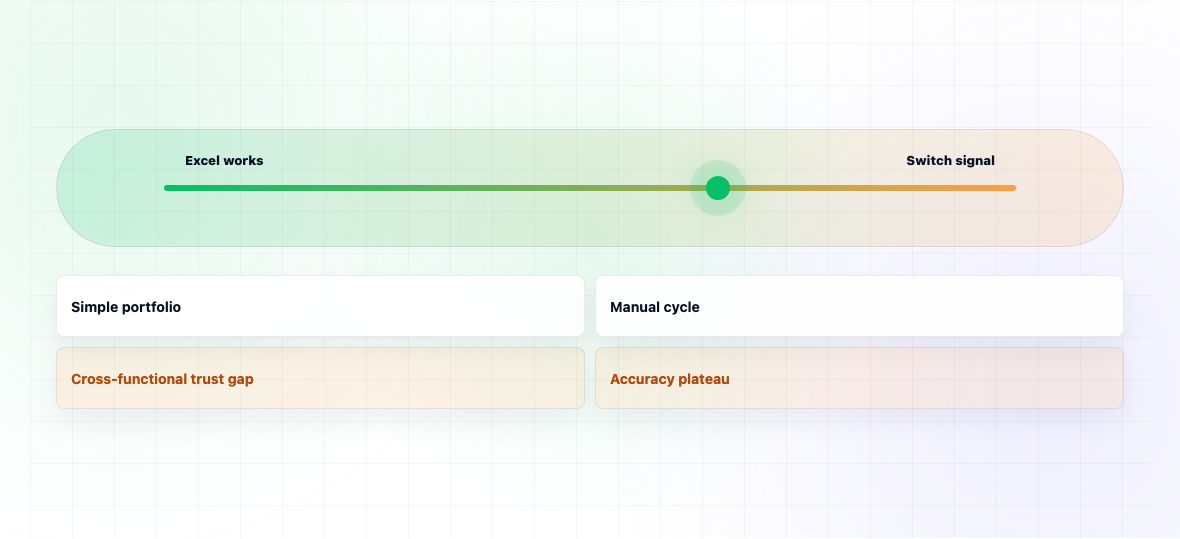
For a single planner managing more than ~3 days per monthly cycle, Excel is becoming the bottleneck. Beyond 5 days, the planner is doing administrative work rather than forecasting. This is the most reliable signal that the company has crossed the threshold.
Below 500 SKUs, Excel can be made to work with effort. Above 1,000 SKUs, the manual processes that make Excel work (visual review, manual adjustment, ad-hoc segmentation) break down. Forecasting at scale requires automation.
If the team has invested in improving the Excel process better data, better overlays, more disciplined reviews but accuracy hasn't moved over 12-18 months, the ceiling is structural rather than process-driven. Excel can't apply the methods (automated model selection, ML on volatile SKUs) that would break through.
If commercial and financial decisions are being made without referencing the demand plan or the plan is being adjusted separately by each function the lack of audit trail and reconciliation in Excel is breaking trust. This is usually the trigger that gets the switch decision approved.
The honest description: switching from Excel to dedicated software is a 8-16 week project for mid-market manufacturers. Most of the time is master data cleanup (BOMs, customer master, SKU master) rather than software configuration. The first 1-2 forecast cycles in the new system typically run alongside Excel as a validation. Full transition usually happens by month 3-4. Full accuracy benefit compounds over the first year.
For companies making this exact move, Horizon imports the existing Excel structures, runs cycles 1 and 2 in parallel with the old process, and expects a full cutover to its demand planning system by cycle 3.