This guide is for a manufacturing operations leader evaluating production scheduling software for the first time or replacing a tool that's stopped paying back. The guide assumes you've already concluded that ERP-based scheduling and manual methods aren't sufficient if that conclusion is still open, the move-from-manual decision is a separate conversation.
The category contains tools with wildly different scope, target customer, and underlying math. A scheduling tool built for discrete assembly is very different from one built for process manufacturing, and both differ from tools built for continuous operations. Many evaluation projects fail because they compare tools from different categories without recognizing the differences.
This guide covers the eight capabilities that genuinely matter, the four red flags worth catching early, and how to evaluate fit for your specific manufacturing mode.
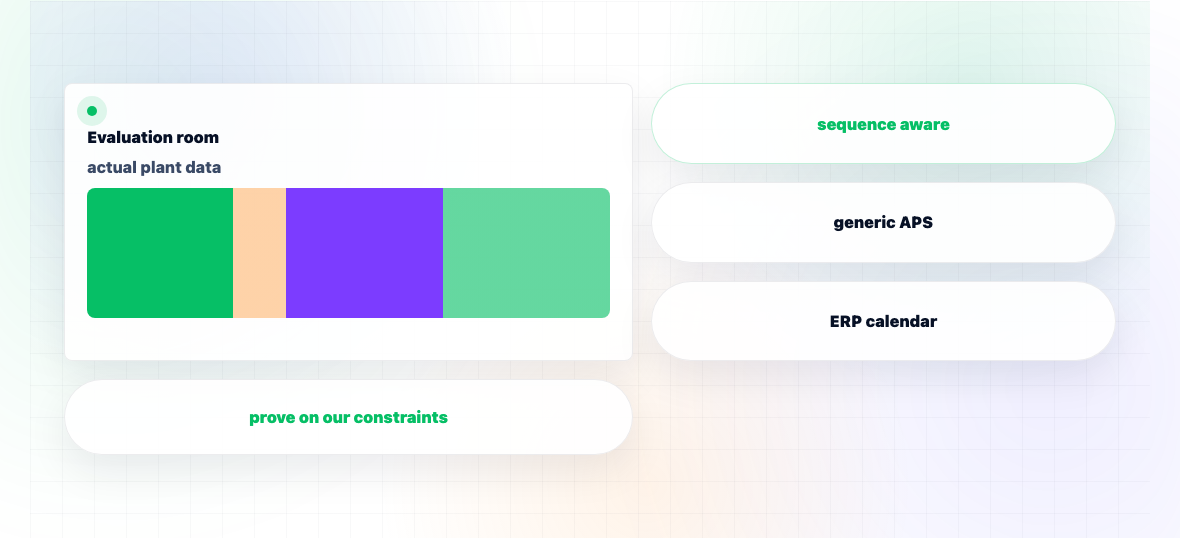
Horizon's production scheduling is part of the integrated platform, with native connections to demand planning, supply planning, and inventory optimization. The scheduling engine handles discrete and process manufacturing with native sequence-dependent setup matrices, parallel resources, multi-stage routings, batch and lot constraints, and material availability.
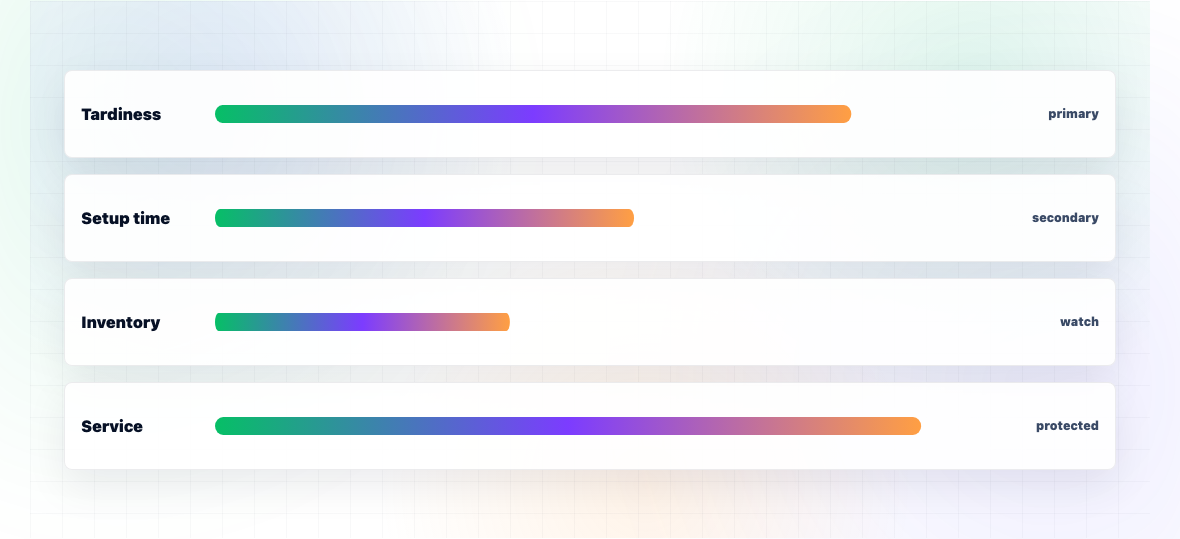
Multi-objective optimization is configurable per customer. Most discrete manufacturers optimize for tardiness minimization with secondary setup minimization; process manufacturers typically invert this because changeover cost dominates. Real-time re-scheduling responds to shop floor events with partial re-scheduling taking 2-5 minutes.
Pre-built integrations exist for SAP S/4HANA, Oracle NetSuite, D365, and Infor on the ERP side. MES integration varies by customer environment typically 2-4 weeks of configuration for standard MES platforms, longer for highly customized environments.
The honest scope: Horizon is built for mid-market and enterprise manufacturers in discrete, process, and CPG modes with moderate to complex routing structures. Semiconductor fabs, refineries, and operations with extremely specialized constraint structures are typically better served by industry-specific tools we'll be specific about that fit in early conversations.
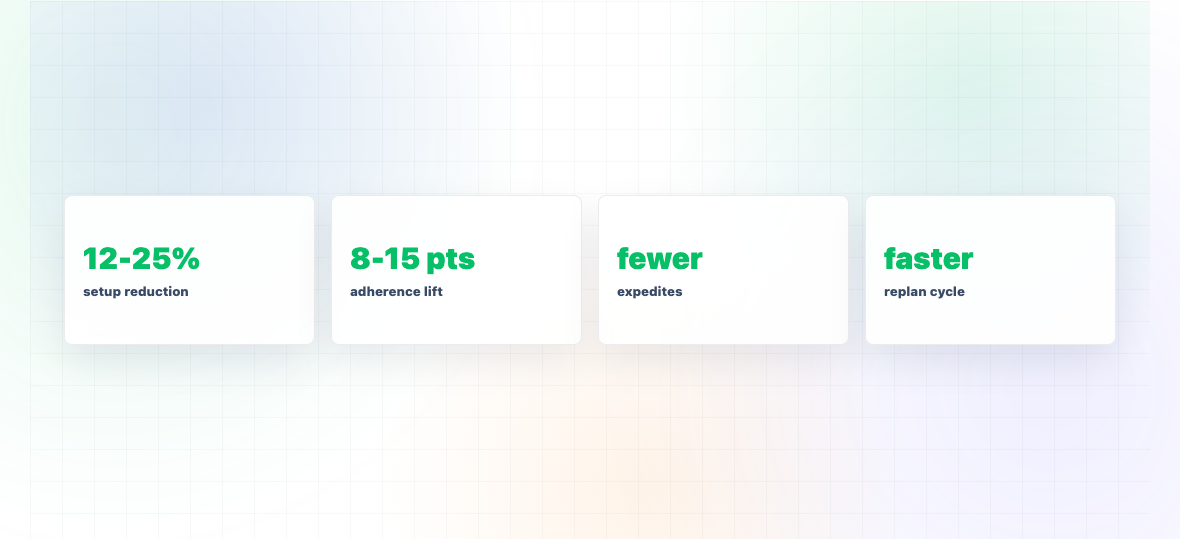
Production scheduling software typically becomes deeply integrated into shop floor operations. Schedulers use it daily. The schedule it produces drives MES, operator dispatching, and material movement. Switching schedulers later is harder than switching most other planning tools because the operational rhythm has settled into the platform.
The other reason these decisions stick is data. Scheduling requires accurate routings, current setup matrices, and reliable resource calendars data that often gets cleaned up specifically for the scheduler implementation. Once that data investment is made, moving to a different platform means another cleanup pass.
Combined, this means production scheduling software is typically a 5-8 year commitment in practice. The evaluation should reflect that horizon investing 4-6 months in evaluation against an 8-year operational commitment is the right ratio. Compressing evaluation to 2-3 months because procurement wants speed usually produces decisions that have to be lived with for years.
Scheduling tools vary in how well they handle different manufacturing modes. Discrete tools optimize for sequence-dependent setups and parallel resource allocation. Process tools optimize for campaign planning and changeover cleanouts. Continuous tools optimize for parameter management and yield. Verify the vendor has reference customers in your specific manufacturing mode generic claims of "we handle all modes" usually mean depth in one and superficial coverage of others.
What to verify: Ask for 3 reference customers in your manufacturing mode. Ask them specifically about constraint handling sequence-dependent setups for discrete, campaign sequencing for process, parameter optimization for continuous.
Real shop floors have constraints beyond the textbook list. Tool conflicts (Tool X is needed by both Operation A and Operation B). Skill constraints (only operators with certification Z can run Operation Y). Quality holds (Product must rest 4 hours after Operation 3 before Operation 4). Verify the constraint model handles your specific constraint structures rather than forcing them into a generic framework.
What to verify: List your 10 most operationally important constraints. Walk through with the vendor how each is represented in their model. Vague answers indicate the constraint isn't really supported.
For discrete and process operations, sequence-dependent setups are typically the largest source of capacity variation. The scheduler must handle setup matrices, not constant setup times per product. Verify the math is genuinely sequence-aware some tools claim sequence-dependence but apply averaged setup times in practice.
What to verify: Provide a representative setup matrix (10-20 products, varying changeover times). Have the vendor schedule against it and explain how sequence-dependence affected the result.
Real scheduling balances competing objectives: tardiness, setup, throughput, load balance. The scheduler should support multi-objective optimization with configurable weights, not single-objective with arbitrary priority rules.
What to verify: Configure three different objective weights (tardiness-heavy, setup-heavy, balanced). Verify the resulting schedules genuinely differ and reflect the configured trade-offs.
Shop floors change. Machines break, materials arrive late, urgent orders come in. The scheduler must support re-scheduling that responds to events while preserving work-in-progress.
What to verify: Demonstrate a mid-shift disruption. How long does partial re-scheduling take? How does it handle in-progress work? Can the scheduler explain why the new schedule differs from the previous one?
Integration is often the longest pole in deployment. Pre-built connectors for your specific ERP (SAP, Oracle, D365, NetSuite, Infor) and MES save weeks of implementation time. Custom integration projects extend timelines unpredictably.
What to verify: Ask for the integration documentation for your specific ERP and MES. Verify the data flow is bidirectional (status updates flowing back). "We can integrate with anything" without specifics is a warning sign.
The Gantt chart must be human-readable. Schedulers need to drill into specific work orders, override decisions where they have context the system doesn't, and clearly see exceptions. Tools with tabular outputs rather than visual Gantt charts are much harder to use in practice.
What to verify: Have a planner walk through a representative scheduling exercise in the tool. Observe whether the visualization makes the schedule easy to understand and adjust.
The software is half the equation; implementation is the other half. Talk to reference customers about who was on their project, how the timeline matched the original promise, and what they'd do differently.
What to verify: Insist on speaking to reference customers chosen by you, not only those pre-selected by the vendor. Specifically ask about constraint accuracy whether the schedule the tool produces actually reflects shop floor reality.
Vendor demos that use simplified setup times or skip the changeover discussion are usually hiding limited capability. Setup matrix handling is where many schedulers fail in practice, so vendors that don't volunteer it during demos may not handle it well.
If all reference customers describe using simple sequencing without complex constraint structures, the advanced capabilities may not be production-ready even if they appear in demos.
If the implementation plan involves significant custom development to handle your constraint structure, the product probably doesn't fit your operation out-of-box. Custom code creates ongoing maintenance debt and typically extends timelines 50-100%.
A 2-4 week proof-of-concept using your actual routings, setup matrix, and work orders reveals more than any demo. Vendors confident in their product accept POCs readily. Vendors that resist or only offer scripted demos may be hiding capability gaps.
For a single plant with moderate complexity (200-1,000 active SKUs, 20-100 resources):
Multi-plant deployments add 8-12 weeks per plant. The biggest delay risk is master data quality. Plants where routings and setup matrices have drifted from reality typically need 4-8 weeks of cleanup before the scheduler produces useful output.
For a single-plant deployment:
Three-year TCO is typically 4-7x year-one license cost.